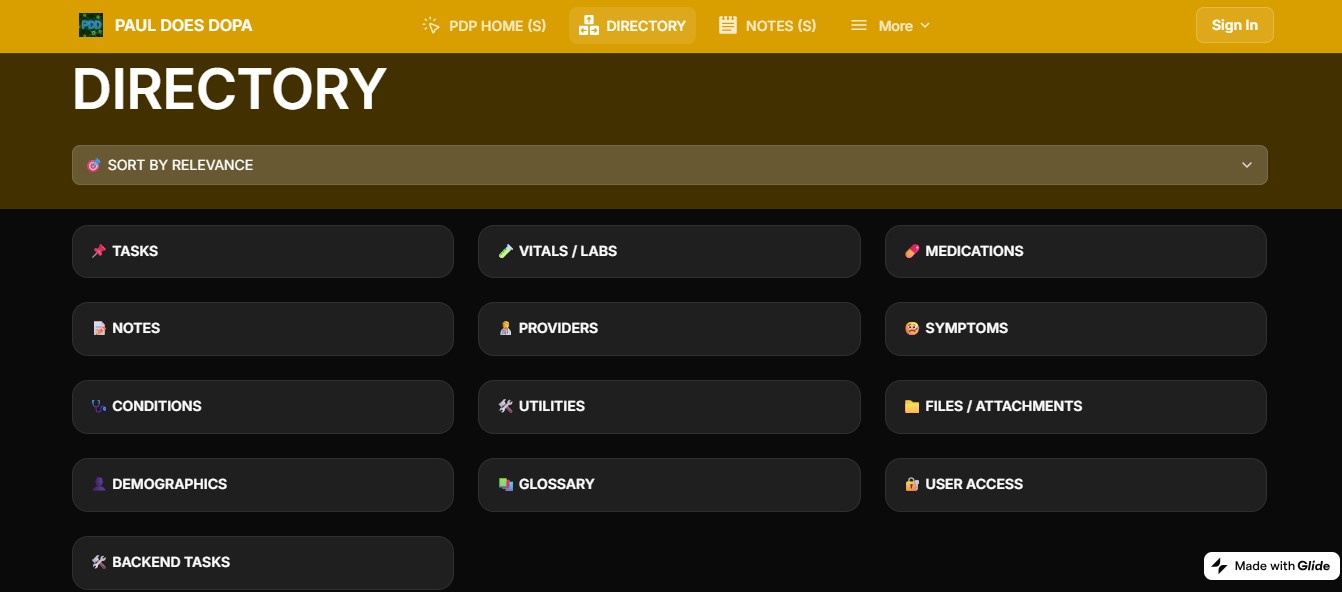
Paul Does Dopa is a mobile-based demo of a personalized Electronic Health Record (EHR) built using Glide.
At its core is a fictional case study—actor Paul Rudd managing Parkinson’s Disease—designed to simulate patient-centered chronic care, including tailored medical notes, vitals tracking, DBS planning, and provider logs.
The public version offers both a front-end user experience and limited back-end visibility, demonstrating how patients and admin roles can engage with a customized digital health environment.
Beyond the narrative, this demo is actively used for a real-world Parkinson’s use-case, showcasing how no-code tools like Glide can support personal health data management without requiring full-stack development.
Mobile-first functionality is a core feature—enabling on-the-spot updates at appointments, real-time note-taking, and direct patient interaction with their evolving care plan.
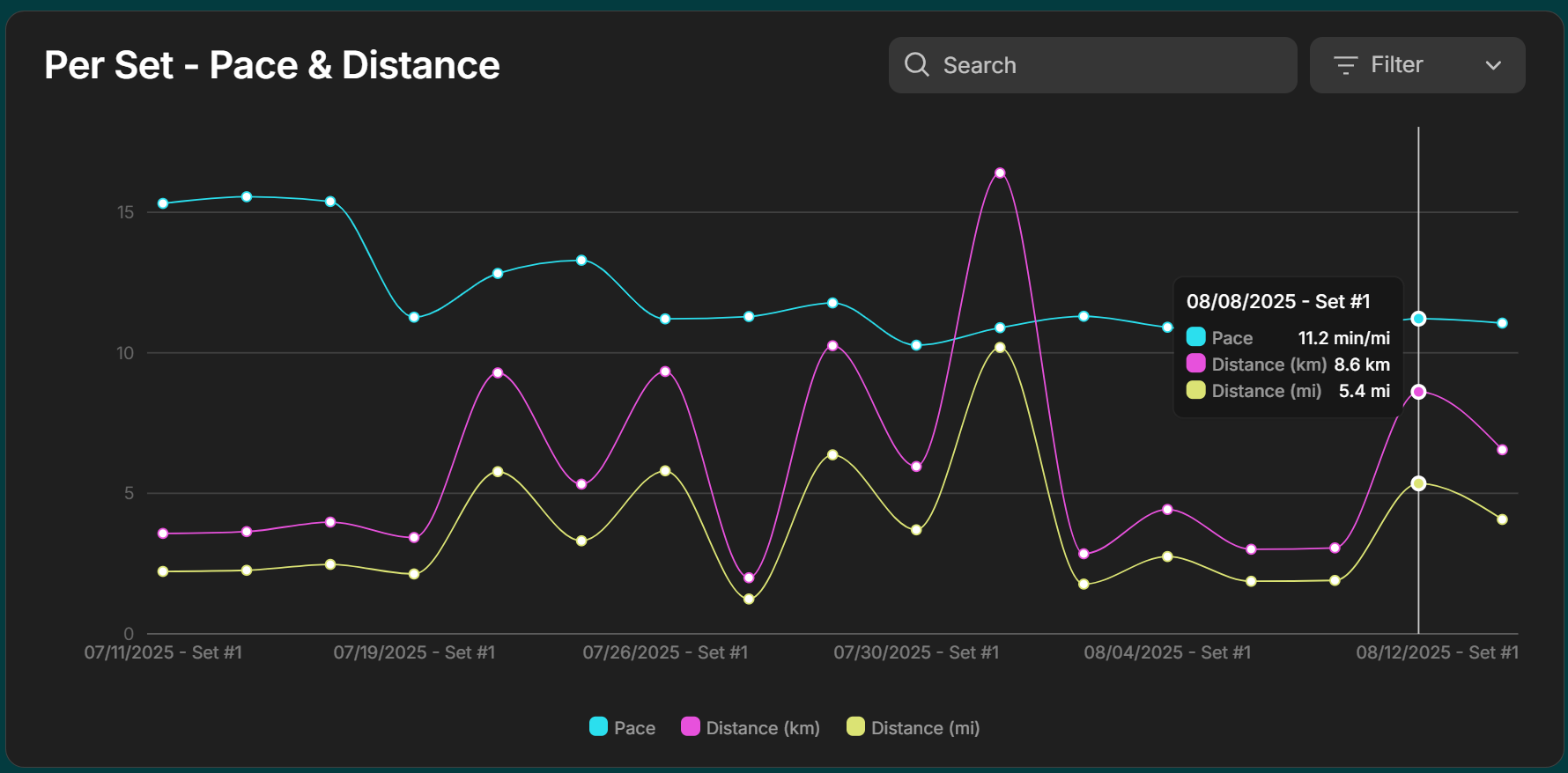
A Glide-powered training tracker for running, strength, and OCR prep.
Weekly templates, progressive overload tracking, and real-time mobile logging help capture workouts at the gym or on the trail.
Stats and dashboards surface mileage trends, strength progress, and upcoming targets at a glance.
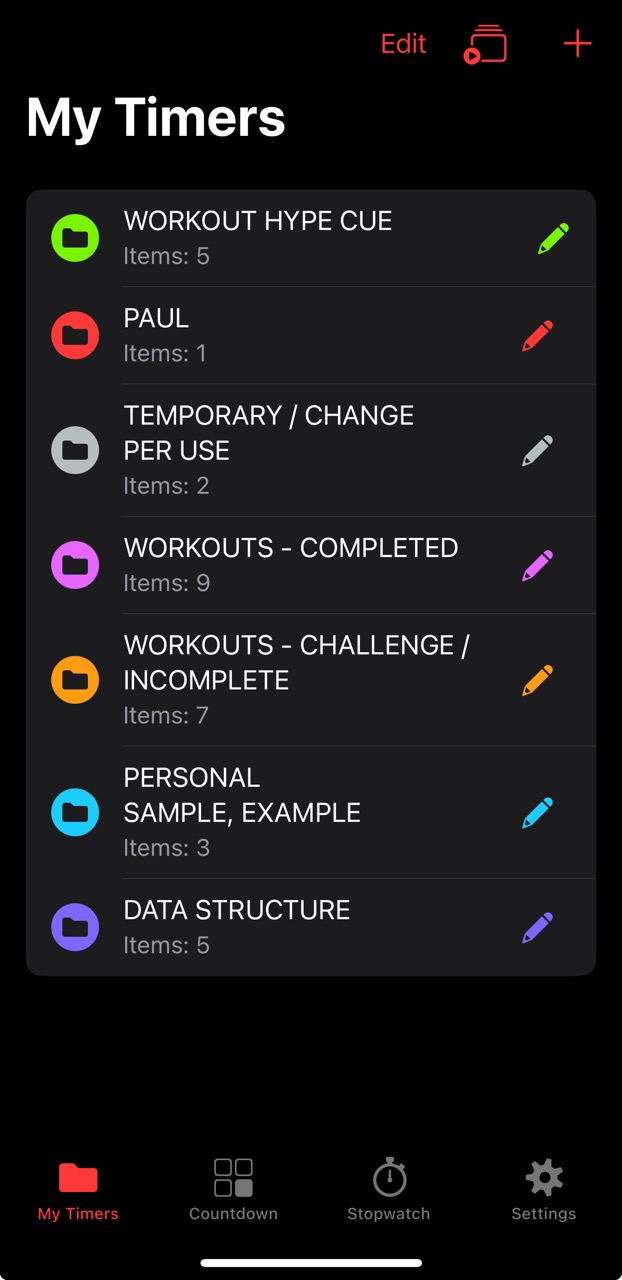
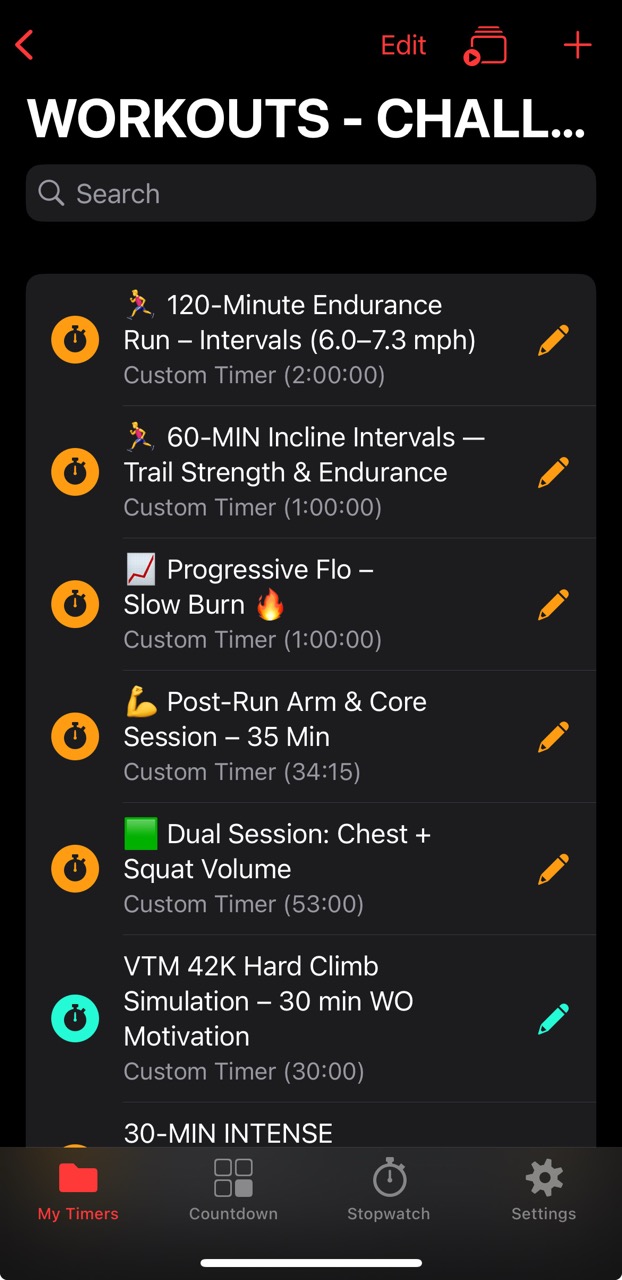
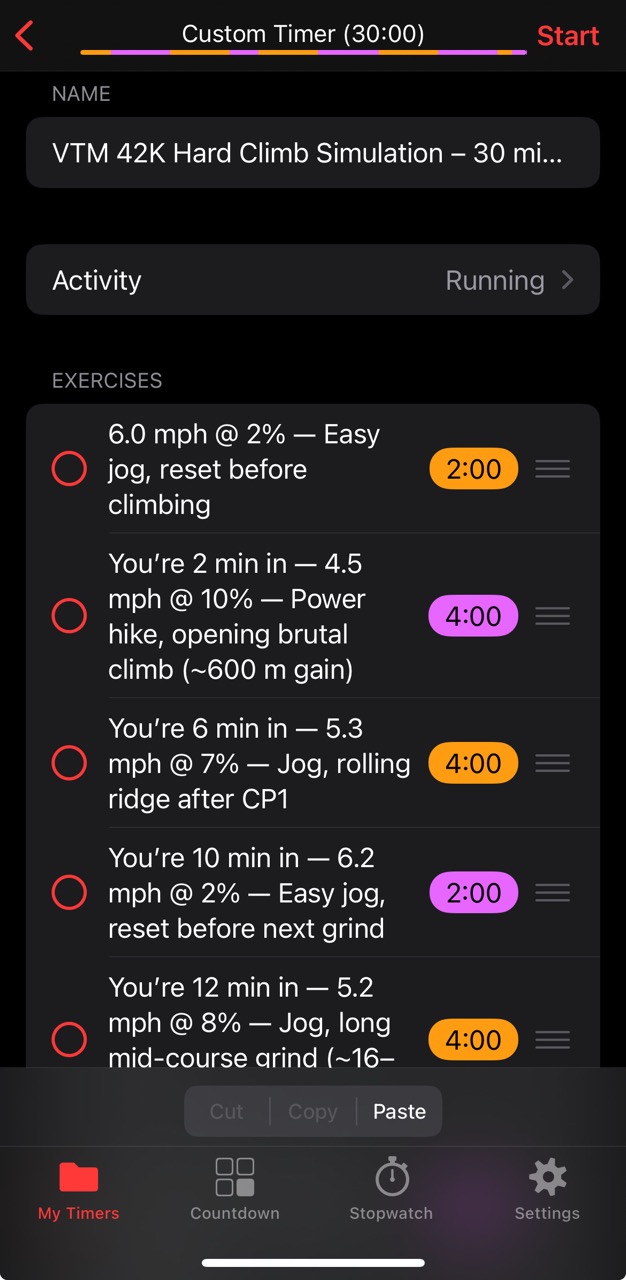
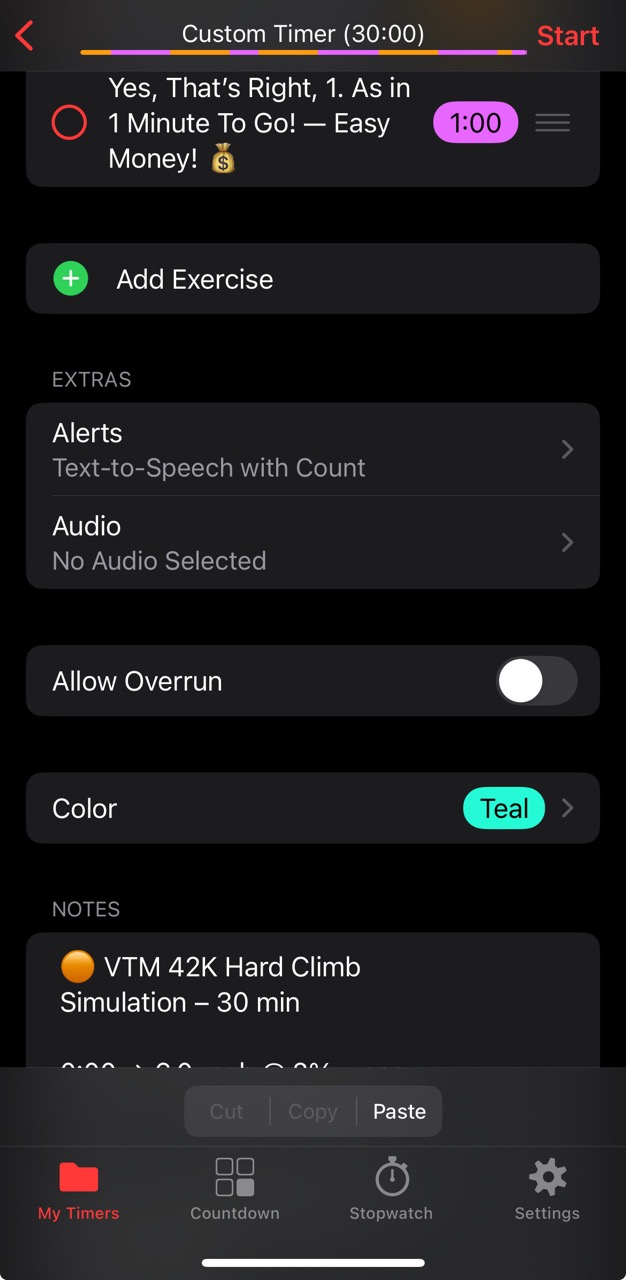
A practical deep dive into Seconds Pro — the interval timer app I use to structure treadmill
simulations, strength sessions, and recovery blocks.
What started as a workaround to reduce constant mental distraction from checking pace and incline
evolved into a system of JSON-based templates, custom cues, and motivational audio.
This page documents how timers reduce friction, preserve data integrity, and
make structured workouts (and even non-fitness tasks) more effective.
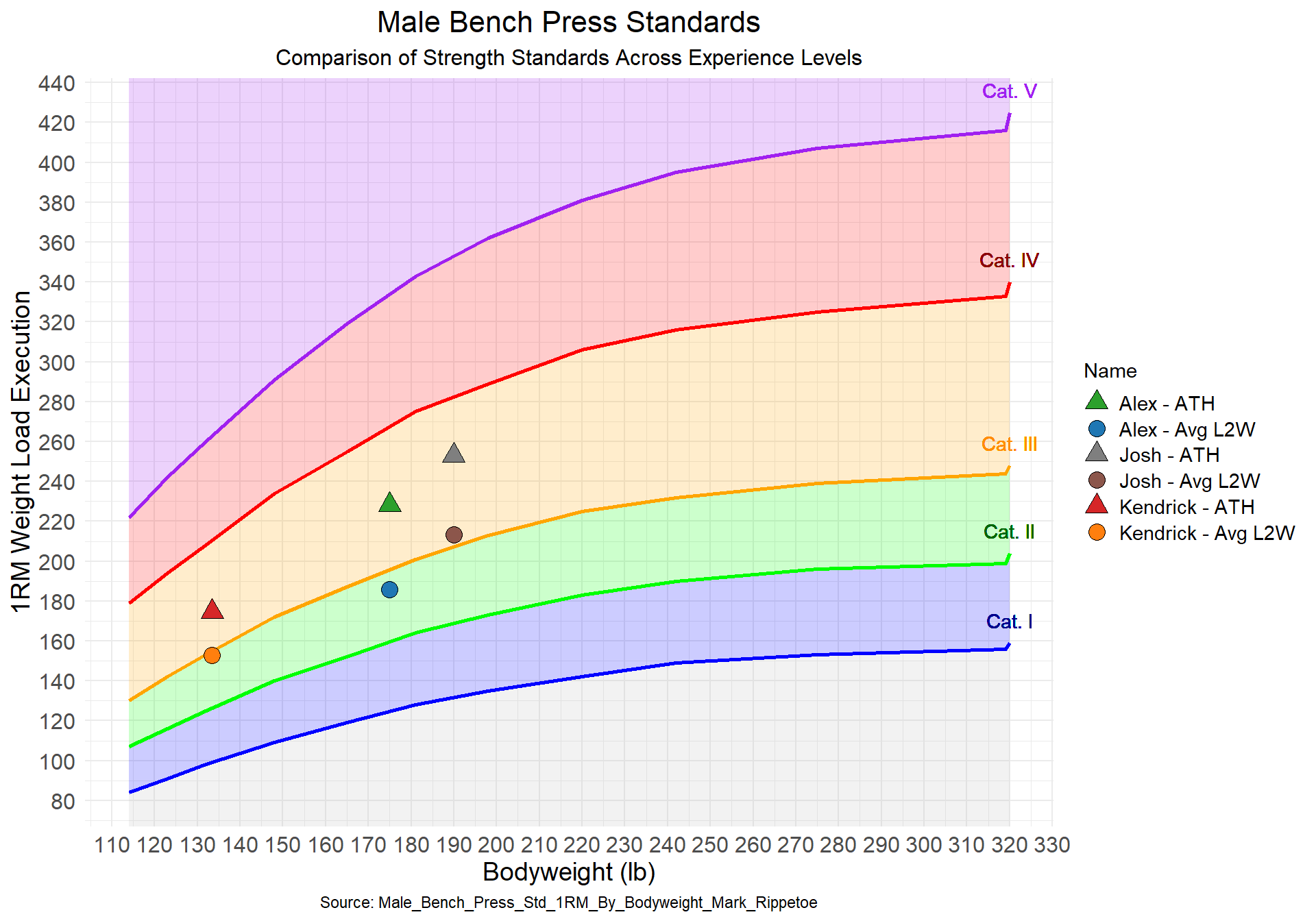
Projects using R: A series of R-powered data analyses and visual reports created using R, RMarkdown, and ggplot2.
Recent posts include “KDF Initial Report” and “KDF Stats Update” — fitness-focused breakdowns of strength metrics against performance standards.
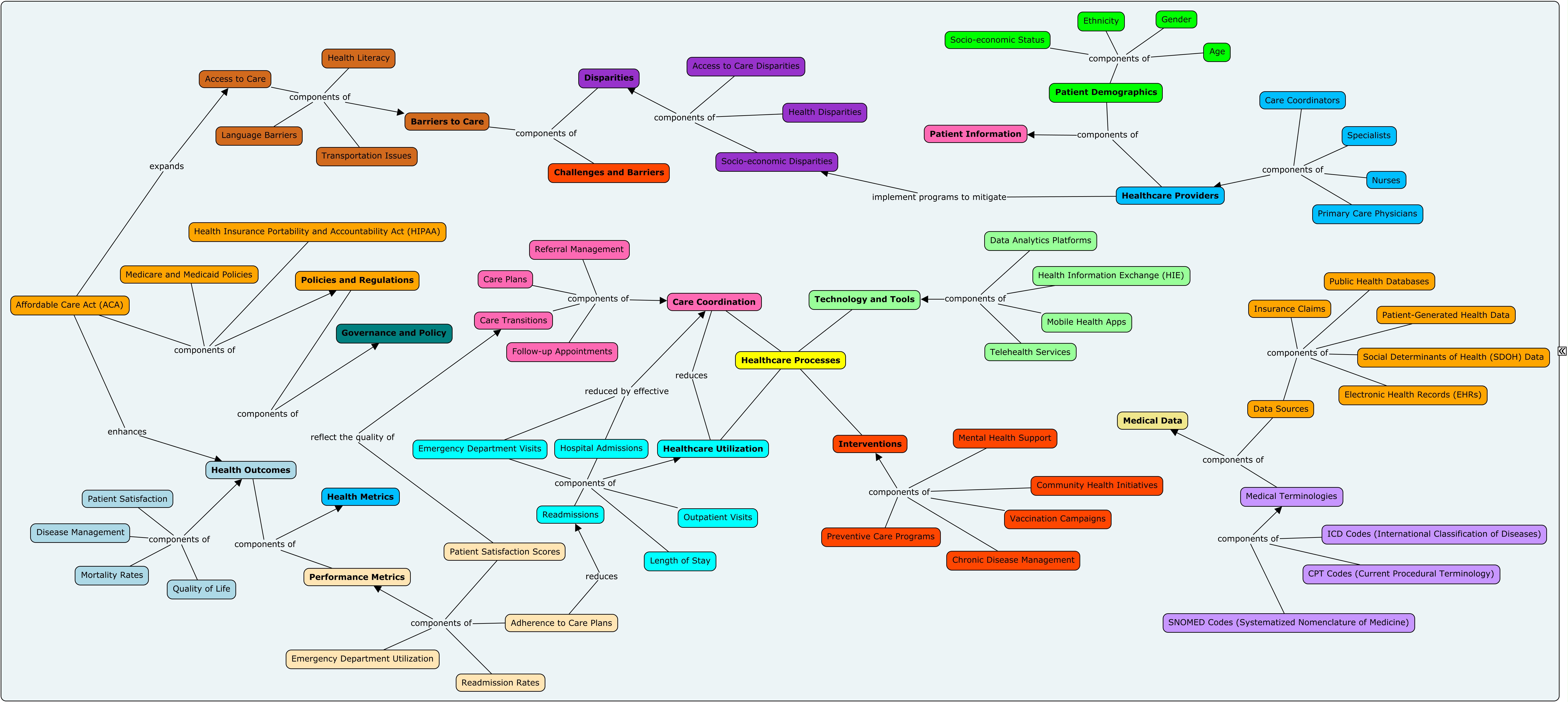
Earlier projects cover topics such as comparing market index growth, strength benchmarks, Excel VBA walkthroughs, and healthcare concept mapping.
Visual concept mapping project exploring connections between
patient symptoms, diagnostic codes, and clinical workflows.
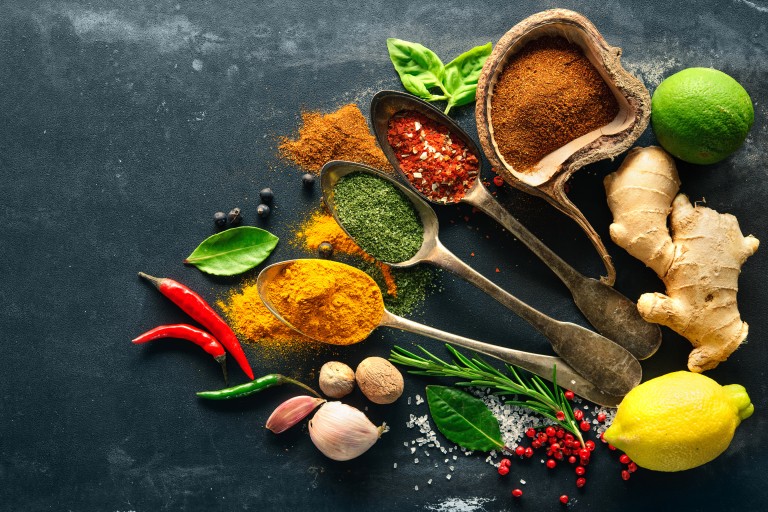
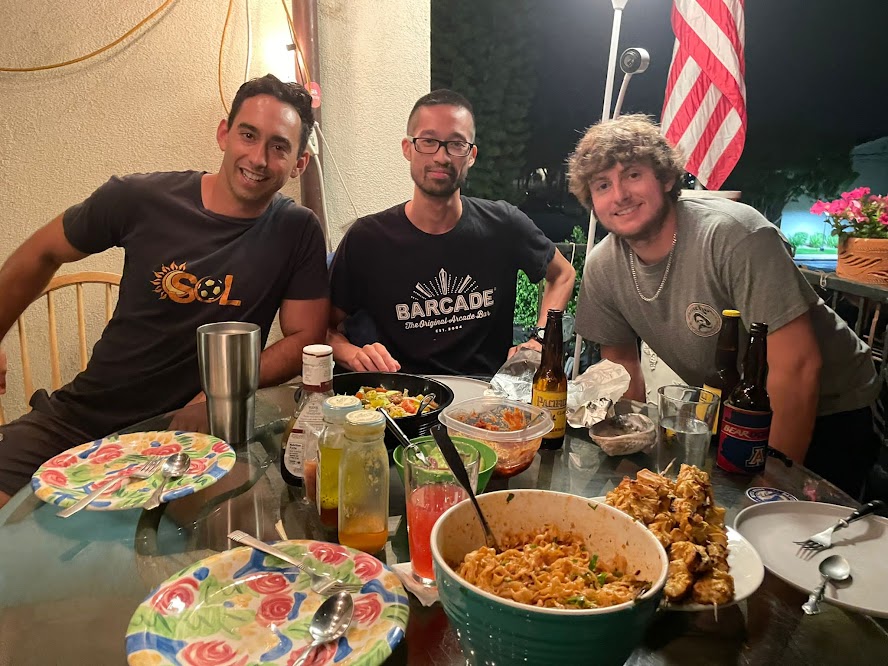
A 3-course menu: Satay Chicken, Sesame Soba Noodles, and Pad-See-Ew.
Created in August 2023 as my first Tableau project after a brief intro via the Google Data Analytics course, this dashboard was part of a personal experiment to apply data tools toward mindful consumption and practical recipe planning.
Despite integration issues that left some sections blank, the project helped me explore Tableau’s storytelling and dashboard tools—and the menu itself was a success, with delivered recipes, ingredient breakdowns, and portion-planning for real-world cooking.
Final result: Recipes delivered, dishes shared, and the project brought to life.
A grab-bag of workflows I use for day-to-day operations, quick reviews, and lightweight analysis across clinical and billing domains.
EHR (Tebra) Utilization — includes Tebra Clinical
(charting, orders, eRx, labs, problem lists, templates, quality reporting, patient intake, scheduling, and patient communications)
and Tebra Billing
(scheduling, charge entry, claims, ERA posting, A/R and denials, patient statements, and reports).
Focused on identifying usage patterns, open tasks, unsigned notes, denial rates, and financial KPIs.
Billing Reports & Analyses
— ad-hoc payer views, payment detail breakdowns, and QA exports.
Includes time-intensive reports such as
this Prop 56 Report for reconciliation across payer rules and remittance codes.
SMSS & Excel for Clinical Work — workflow and prioritization tools that bridge EHR data with Excel-based tracking, keeping everything consolidated in one place.
Required steps include
Extraction (pull raw data from systems),
Transformation (integrate into active Excel file for cleaning and alignment),
Loading/Assessment (apply validation rules, conditional formatting, and pivoted trackers) for
Implementation — updating billing benefits, benefits, and authorization statuses, while maintaining personal reminders and status notes (out-of-network, etc).
Used to review benefits, demographics, and authorization requirements, while maintaining personal reminders and status notes not captured or necessary in the EHR.
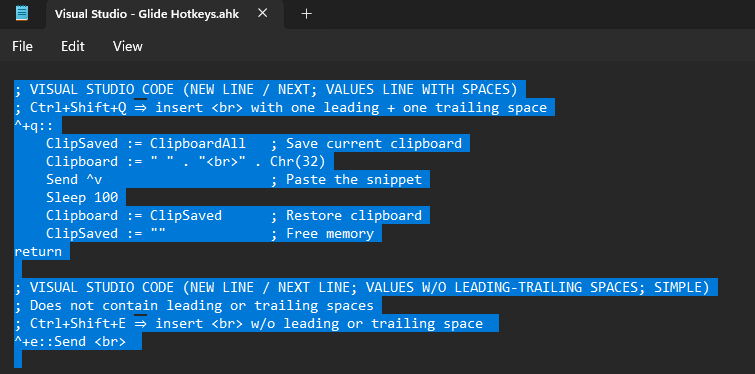
AutoHotkey (AHK) — Personal & Work Automation
AutoHotkey is a lightweight Windows scripting language for hotkeys,
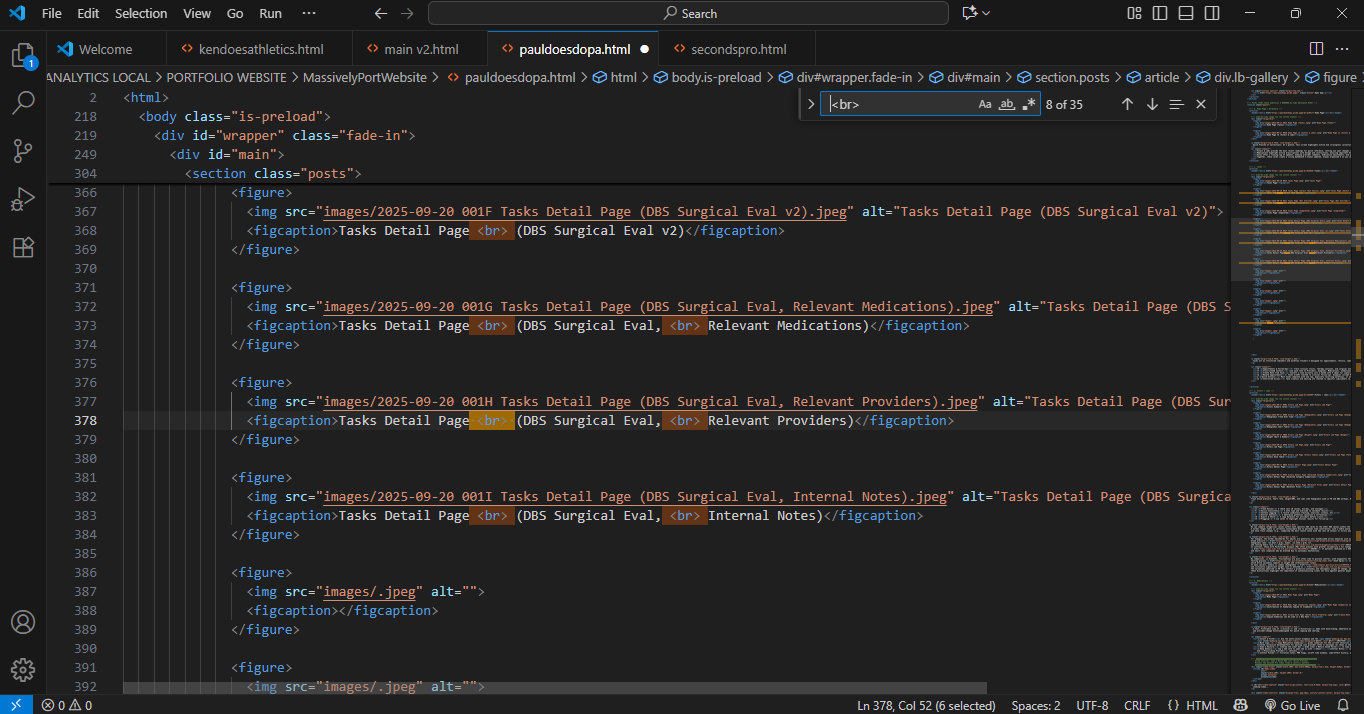
text expansion, and workflow automation. I use it for personal shortcuts, billing ops, VS Code/Glide helpers, and quick data-entry transforms.
Scripts are modular (per app/project) and loaded by a single launcher to toggle sets on or off quickly.
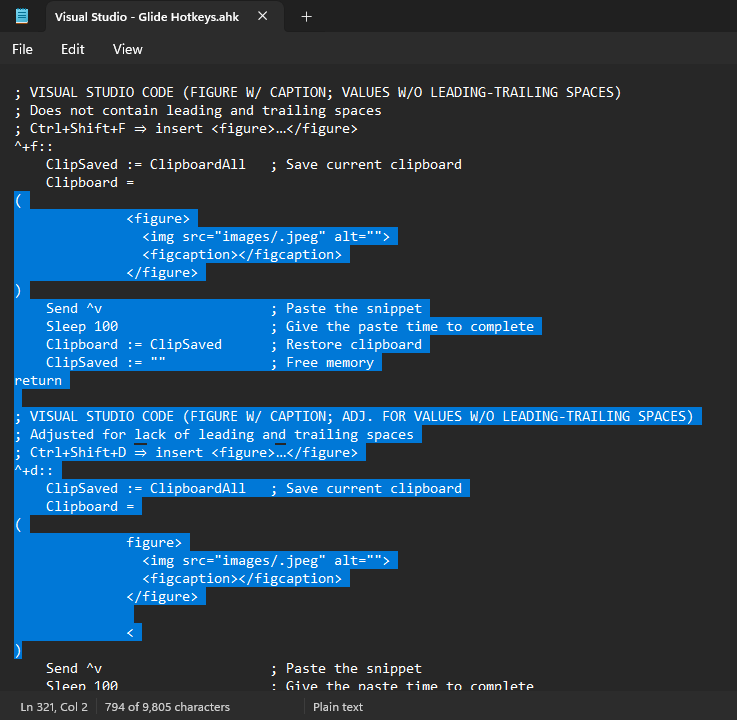
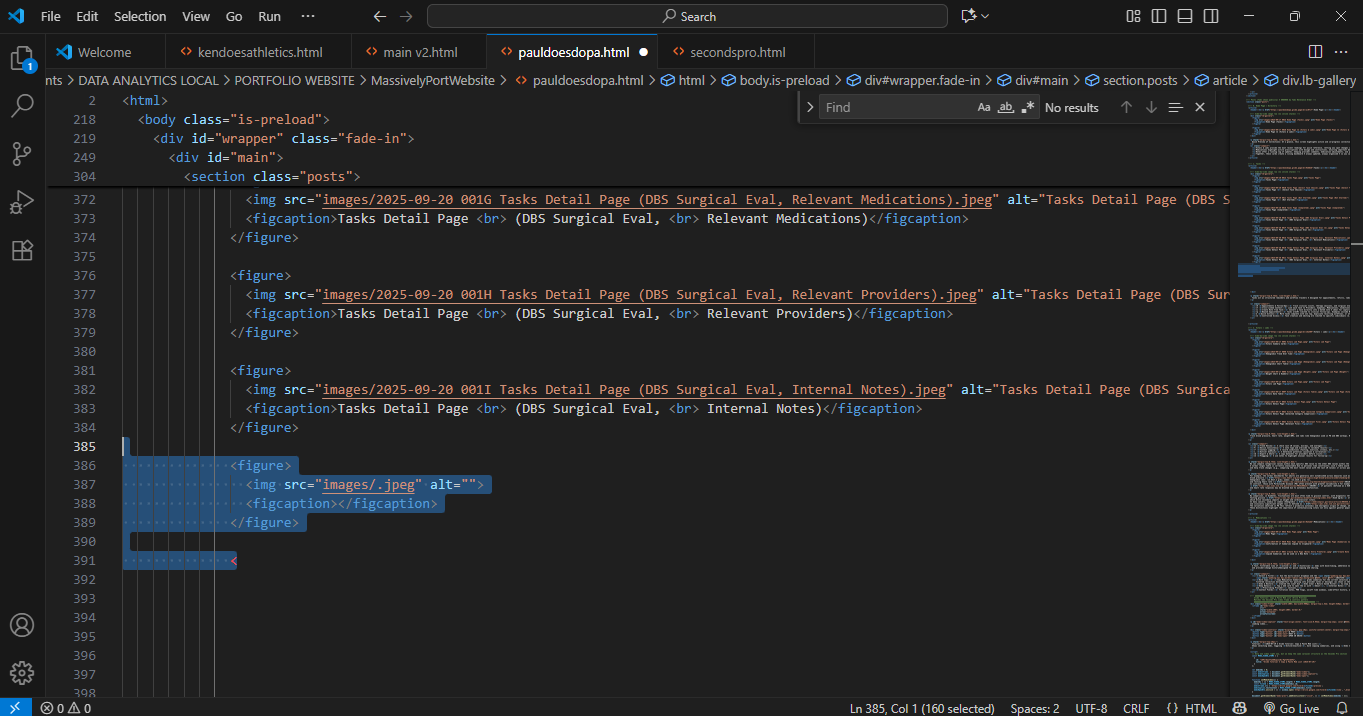
AHK Next Line Script (Visual Studio Code)AHK Next Line Values Pasted (Visual Studio Code)AHK Figure With Caption Script, Used in VSC for This Image!Figure With Caption Values Pasted, Used in VSC for This Image!
The AHK Snippets & Hotkeys (Drive)
folder contains scripts and examples, and
Autokeys Example
showcases practical snippets. For Systems Analysts, AHK scales from small clipboard fixes to full ETL—parsing portal downloads, normalizing amounts/dates,
exporting CSV/Excel, notifying Slack—and helps enforce data hygiene across names, addresses, and ICD/CPT formats.
Loading video...
This video utilizes the AHK script to add +30 minutes to an appointment calendar URL on every paste, creating a more desirable workflow.
The current video is blurry and is tasked to be replaced with a higher-quality version.